


A more comfortable view
Choose up to 8× internal resolution, 16:9 widescreen, texture filtering, and PGXP. Default settings preserve the PS1 look.
OPTIONALRediscover the warmth of village life with Harvest Moon: Back to Nature Re-Works, a fan project born from a love for the childhood adventures we still hold dear.

There is something special about waking up early, watering crops, and saying hello to neighbors in a little village that feels like home.
Re-Works is a native port of Harvest Moon: Back to Nature from its C decompilation, with optional graphics improvements and mods. The game code runs directly on your device.
Optional improvements for a more comfortable life in the village. Extra graphics settings can all be switched off.
Choose up to 8× internal resolution, 16:9 widescreen, texture filtering, and PGXP. Default settings preserve the PS1 look.
OPTIONAL
Sprinklers, crop growth information, animal care indicators, and a stamina panel support your daily routine. Brown and pink cows, black sheep, and brown and silky chickens also bring their own products.
OPTIONAL
Play with a keyboard or gamepad, remap your controls, and import emulator memory cards.
OPTIONAL
Adjust text speed, skip previously read messages, and choose Indonesian or English from the bookshelf menu at home.
OPTIONALReal Re-Works screenshots: farm life and working mod additions. Captured from build 0.4.0 for the upcoming v1.0.0.
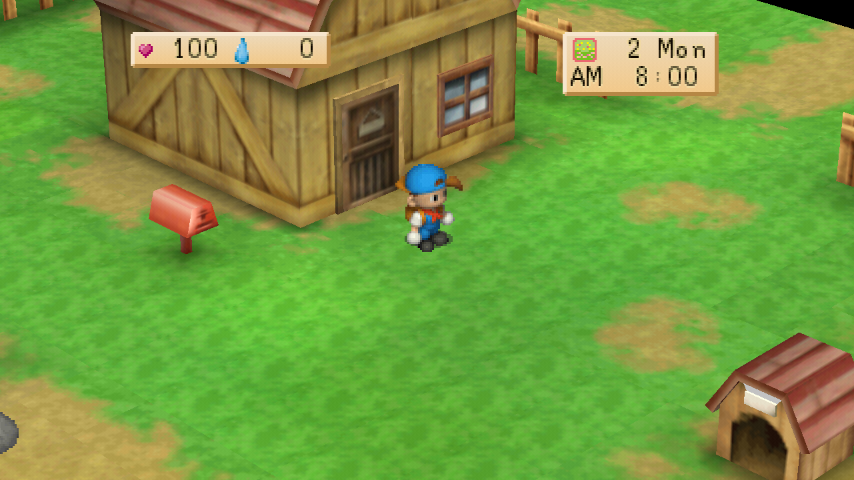 IN-GAME
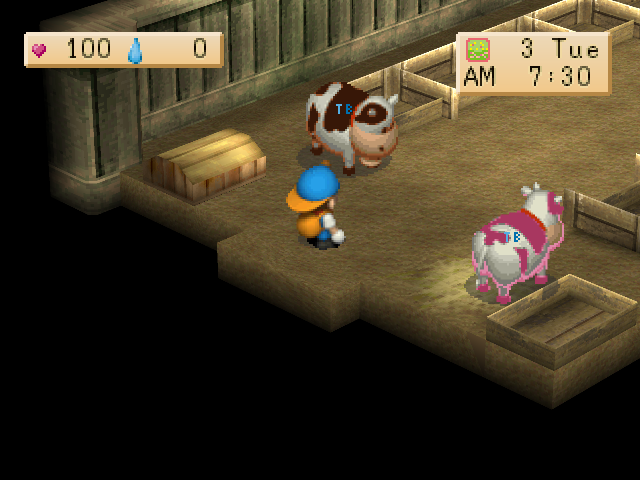 IN-GAME
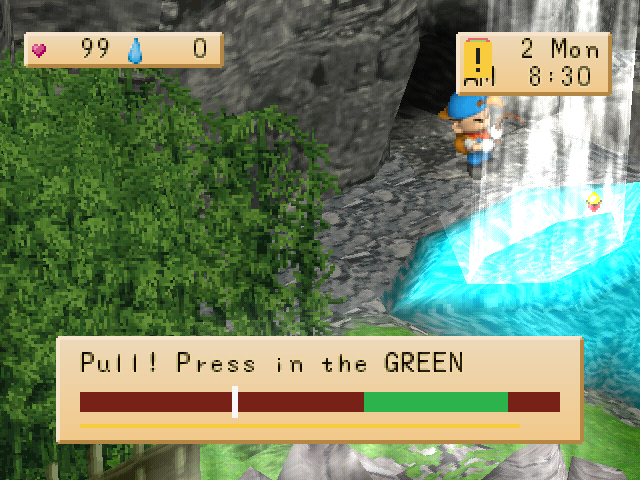 IN-GAME
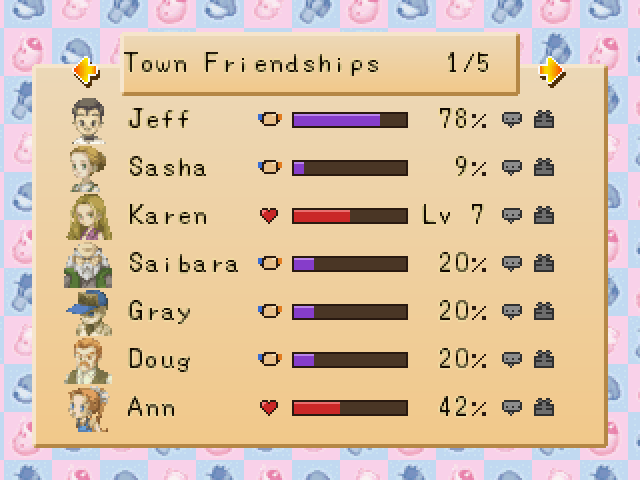 IN-GAME
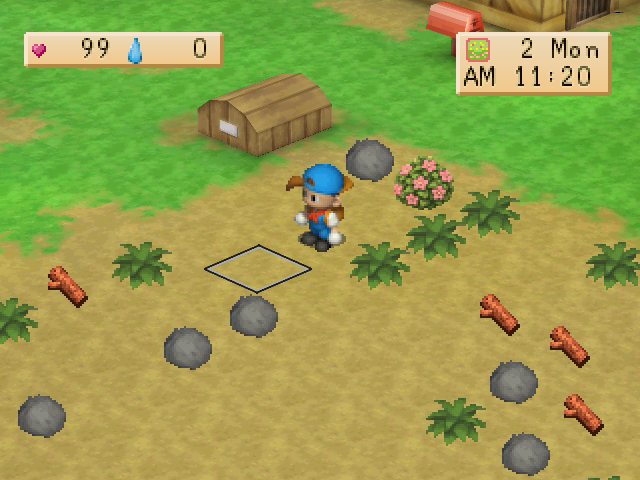 IN-GAME
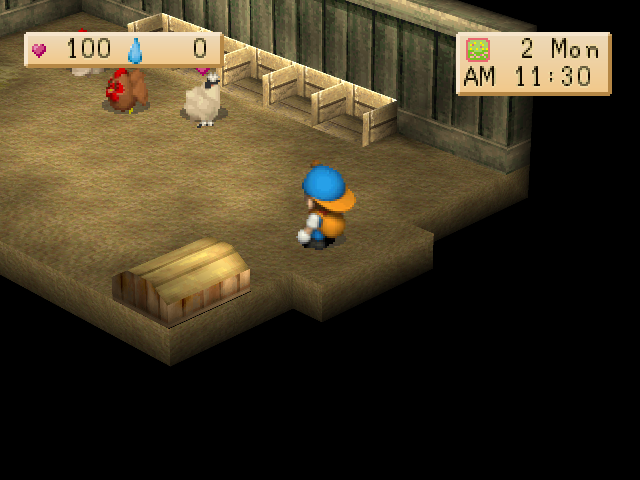 IN-GAME
Windows v1.0.0 is available as a bundle: unzip, launch, and play without an additional disc. The macOS package will follow; Android is planned.
Unzip the bundle, launch, and play.
Unzip the bundle, launch, and play.
An Android version is planned.
From the first seed of an idea to future progress notes, all the news will live here.
37 real screenshots, mod explanations, and release preparation notes.
A few things to know before returning to Mineral Town.
Re-Works is a native port from the C decompilation of Harvest Moon: Back to Nature, with a compatibility layer for modern devices and optional mods.
The project has Windows, macOS, and Linux builds. Android is planned. A build does not necessarily mean a public package has been released.
Windows: extract the ZIP and open hmbtn.exe. macOS: extract and open HM BTN Reworks.app. Linux: make the AppImage executable and run it; the Linux bundle is not yet verified. Keep the data with the package. No disc selection or path configuration is needed.
Not for the bundle. The required data is included, so just unzip and play without an additional disc, ISO, or emulator. Bring-your-own-disc instructions apply only to the separate program-only dist package.
Include the program version, operating system, reproduction steps, and any error messages. Public reporting channels will be added with the release.
Follow development notes on this website’s blog.