v1.0.0 is being prepared. These screenshots were captured directly from hmbtn.exe build 0.4.0, not the final v1.0.0 build. Scenes were staged with the project tools to demonstrate features. All images are actual game renders.
The bundle is ready to play after extraction, without an additional disc or emulator. Captures come from Windows; this page does not imply an Android release is available.
Back to the farm
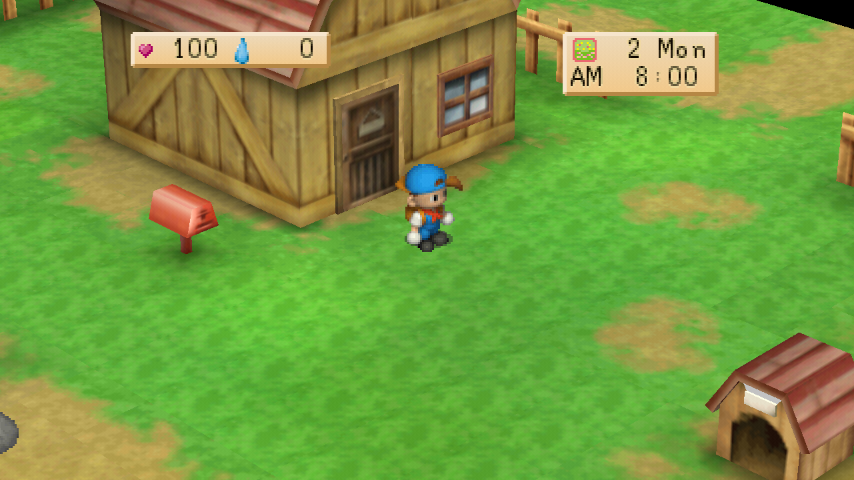
Actual Re-Works gameplay on the farm. Every image in this album comes from the running game, not concept art.
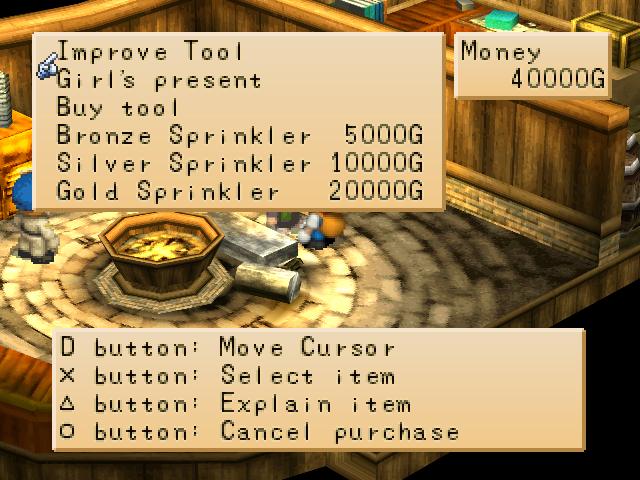
Bronze, Silver & Gold sprinklers
Buy three sprinkler tiers at Saibara. Place one with Square on tilled soil; it waters its coverage pattern each morning. Cross picks it back up.
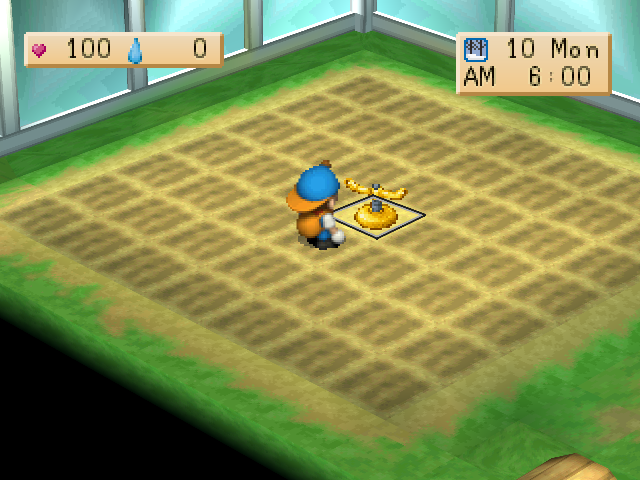
Greenhouse sprinklers
Sprinklers work in the greenhouse year-round. Outdoor automatic watering is skipped during winter.
Decorative bushes
Gotz sells Bush and Flowering Bush. Place them on the farm field with Square and retrieve them with Cross. Placed bushes block movement.
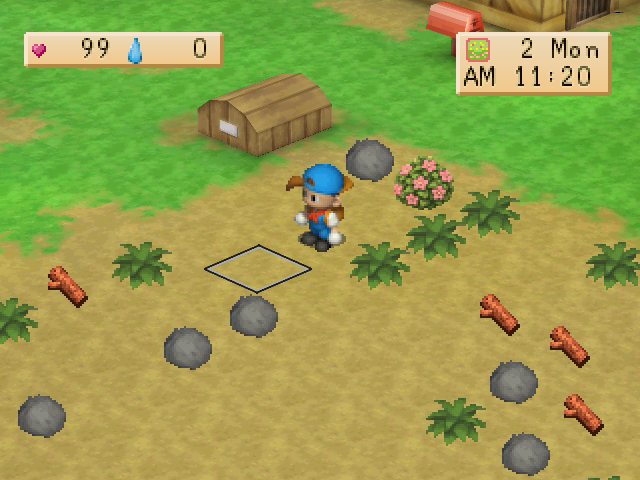
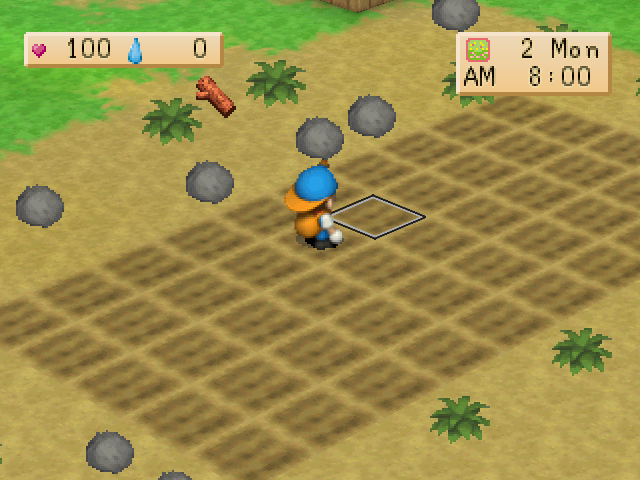
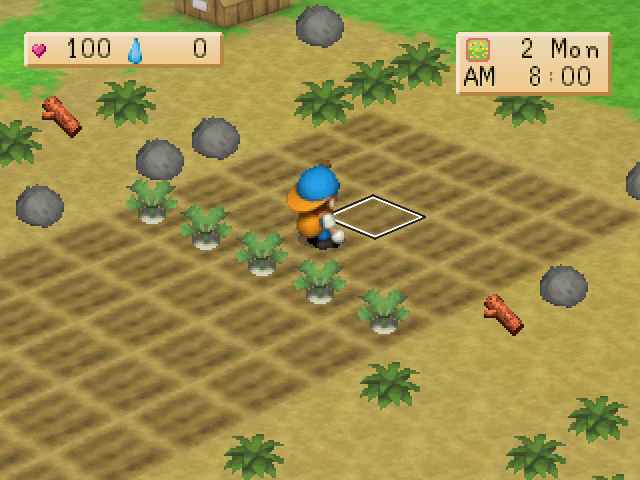
Tool target marker
A cell outline marks where the next tool swing will land, helping you aim before tilling or watering.
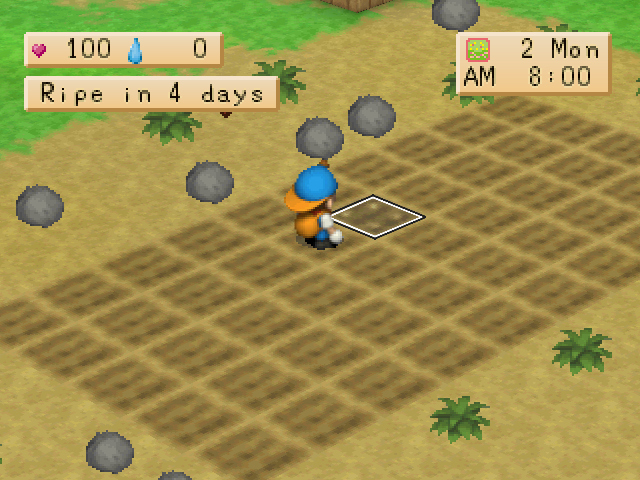
Crop harvest forecast
Face a crop to see how many days remain until harvest. The panel also tells you when the crop is ripe.
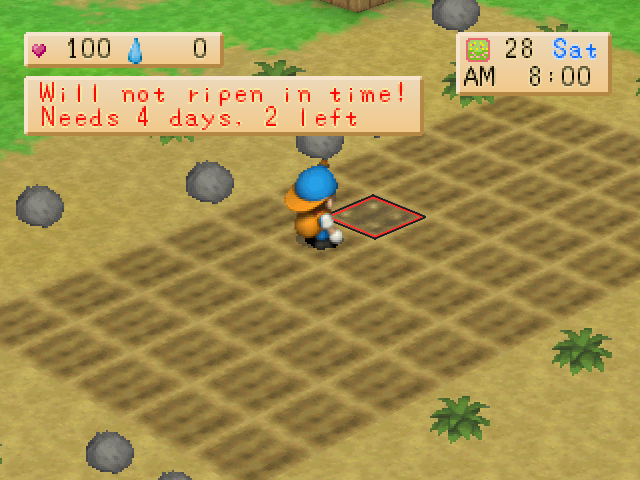
End-of-season warning
The panel warns when a crop cannot mature before the season ends, showing required days and days remaining in red.
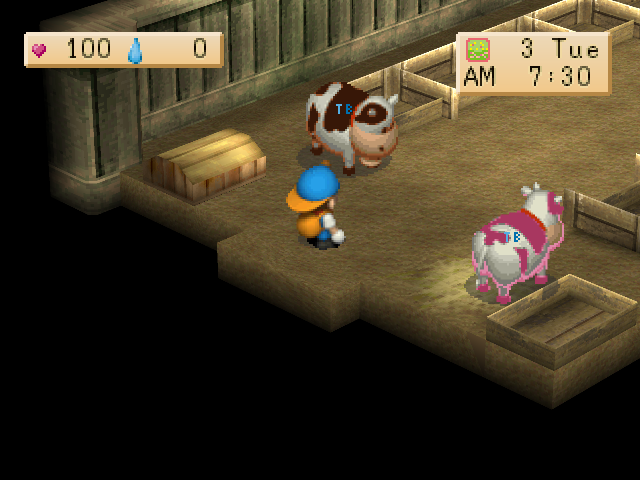
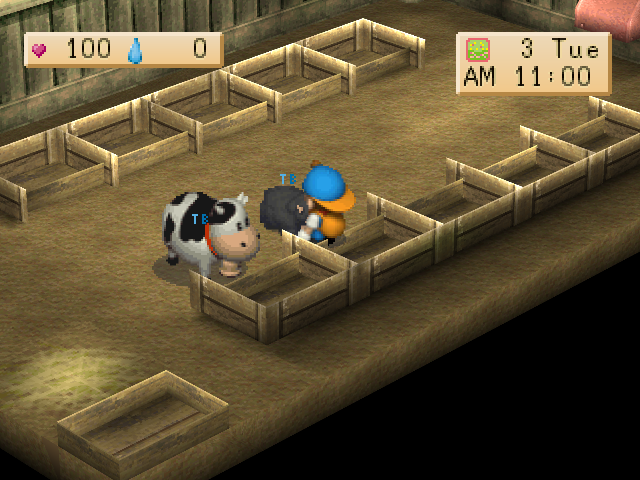
Brown & pink cows
Barley sells brown and pink cows. Each produces its own milk variety, and calves inherit their mother’s coat.
Milk & cheese varieties
Chocolate and pink milk become matching cheese. Products follow ordinary quality rules, with their own sale prices and stacks.
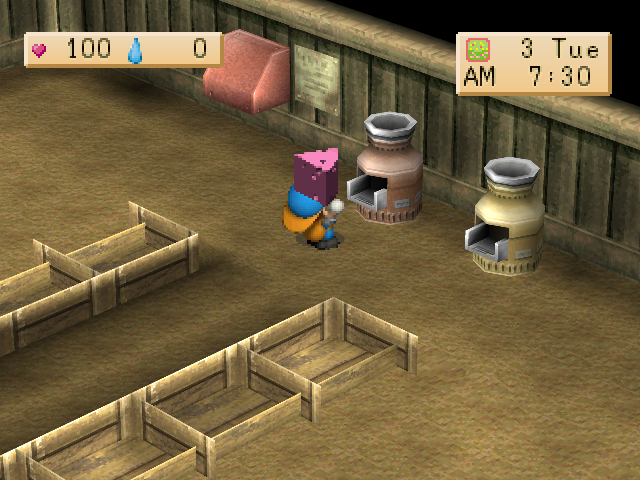
Black sheep
A black sheep option is available at Barley. It produces black wool, and lambs inherit their mother’s coat.
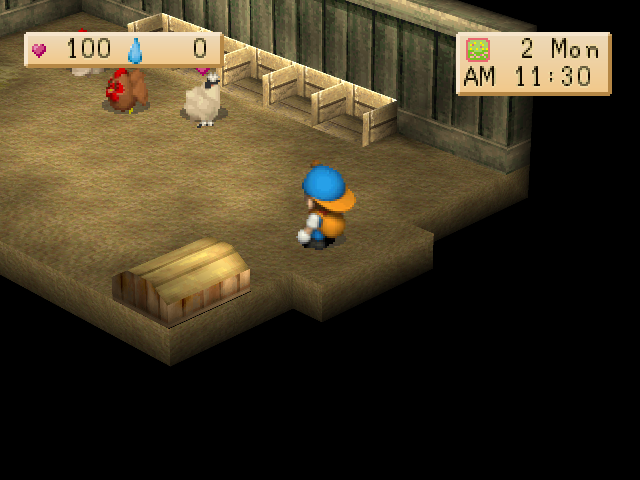
Brown & silky chickens
Lillia offers brown and silky chickens. They lay their own egg varieties, and hatched chicks keep their parent’s variety.
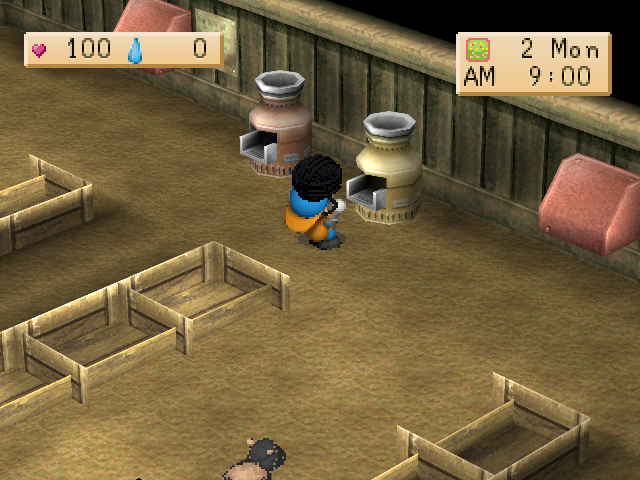
Black wool & yarn
Black wool goes through the Yarn Maker to become black yarn. New products retain quality grades and can be shipped.
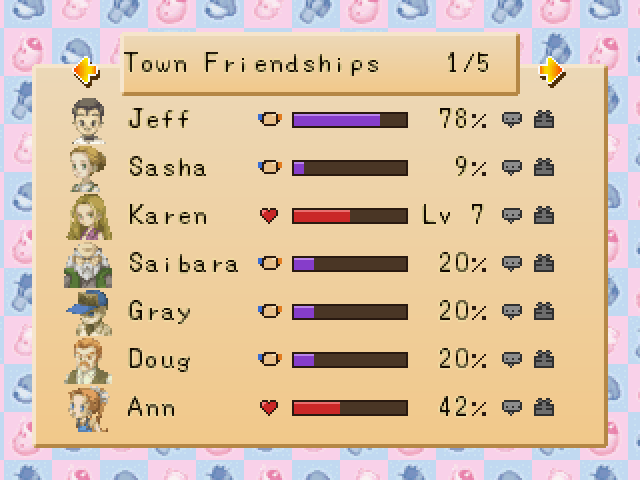
Town Friendships & relationship meters
Five pages cover relationships with 32 villagers. Percentages and bars show friendship or affection; daily icons track talking and gifts. With the option enabled, Select opens these pages.
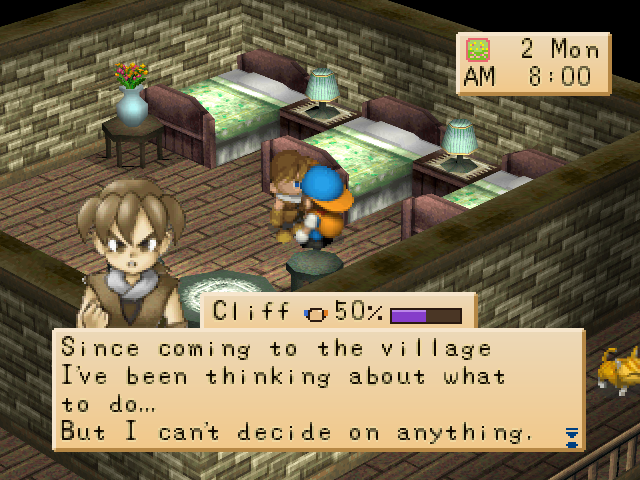
Dialogue name tags
The speaker’s name appears above dialogue. For supported villagers, the friendship meter adds a relationship value and bar beside the name.
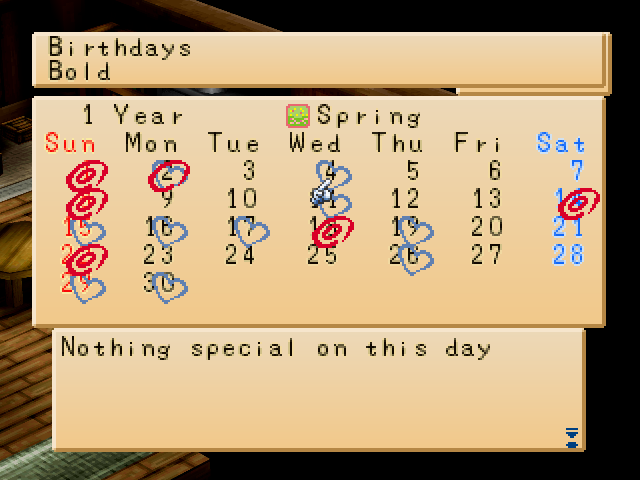
Calendar birthdays
The home calendar marks villager and Harvest Sprite birthdays. Select a date to see their names. This capture shows the panel. Closing with Start now passes; the birthday panel after switching to Indonesian still needs review.
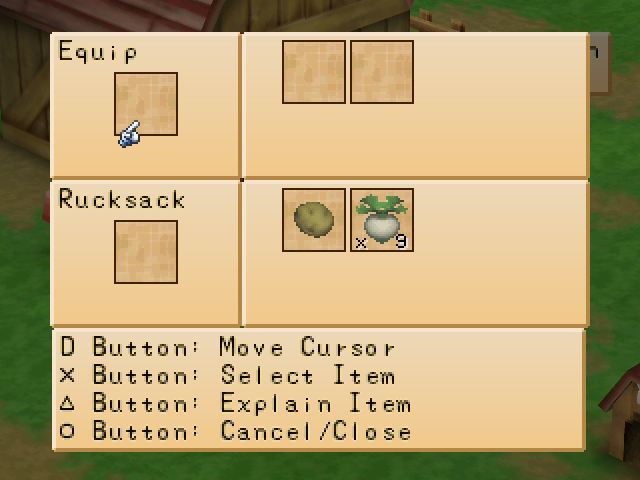
Item stacking
Eligible matching items combine up to 9 per slot. The item-swap screen supports splitting and merging stacks.
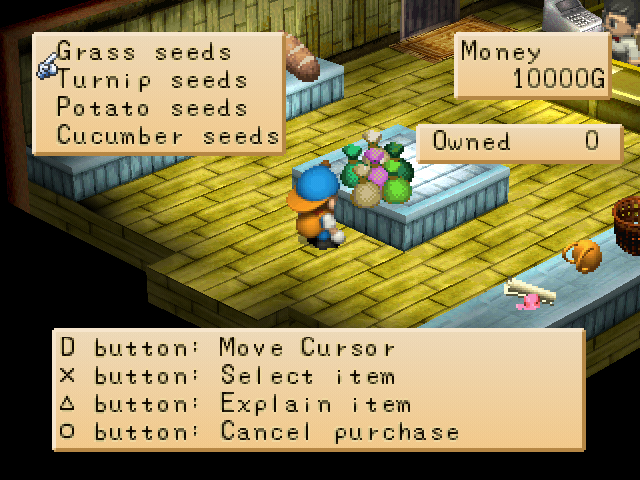
Owned count in shops
Shop menus show how many of the selected item you already own, helping you plan purchases.
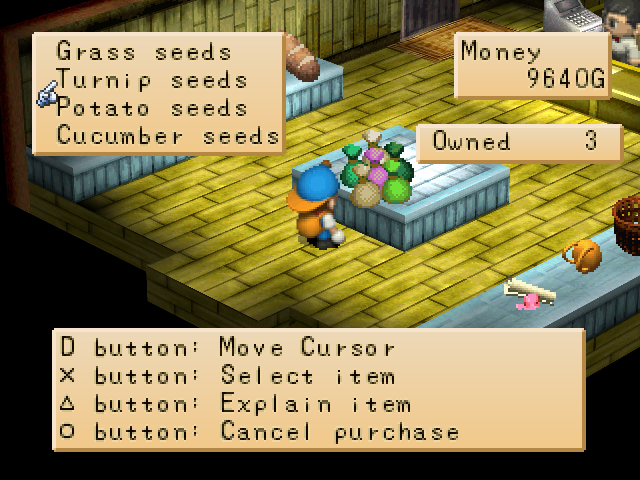
Stow held items before shopping
Enable Gameplay > Shop: stow held. Opening a buy menu stores the held item in the rucksack. If it cannot fit, the menu stays closed and the item is preserved.
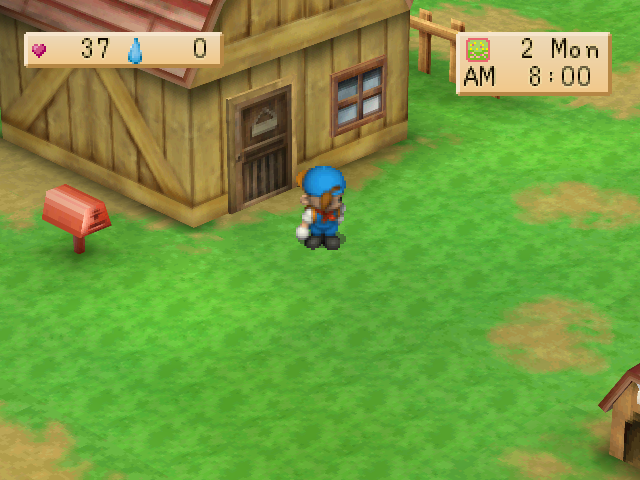
Stamina & fatigue panel
Stamina and fatigue values appear beside the clock so you can monitor the player’s condition.
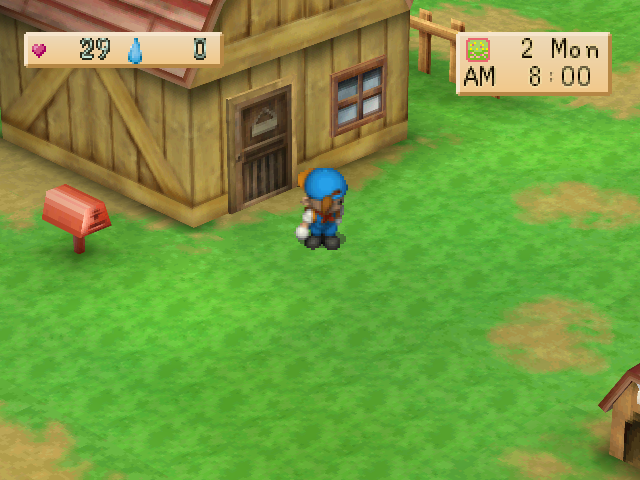
Low-stamina warning
Below 30% stamina, panel numbers flash and a warning sound plays once. Configure Gameplay > Stamina warning. A still screenshot cannot show the flashing or sound.
Night-time faint protection
Gameplay > Faint protection is off by default. During normal play, maximum fatigue at 18:00-05:59 sends the player home to sleep. This capture shows the recovery; daytime exhaustion keeps its original behavior.
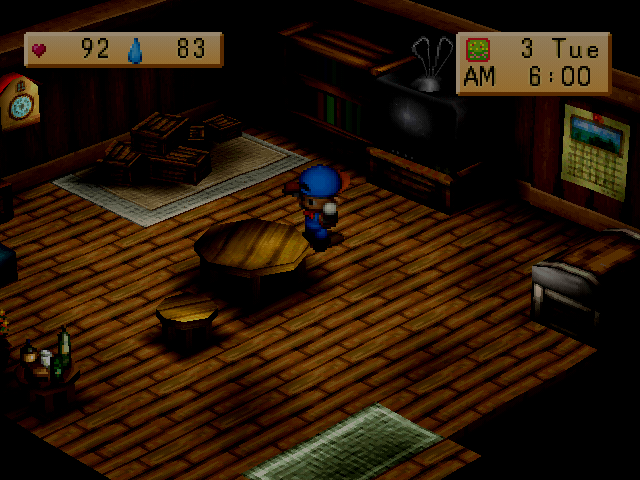
Care indicators
Letters and icons above supported animals or characters help track daily actions such as talking and brushing. Indicators update after care.
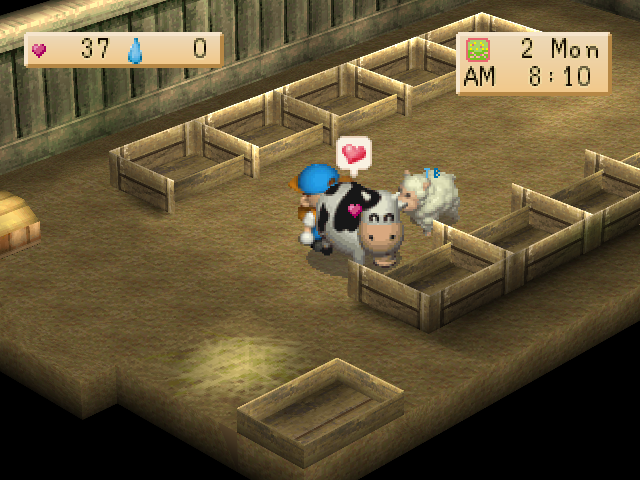
Ride the horse into town
Ride your horse outside the farm into supported outdoor town areas. Event and special-day restrictions still apply.
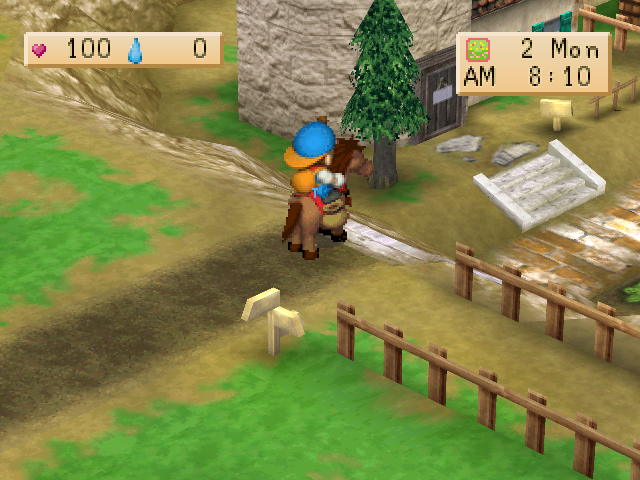
Livestock bell
Use the bell to move cows and sheep out of or into the barn together. This screenshot shows the animals after moving outside.
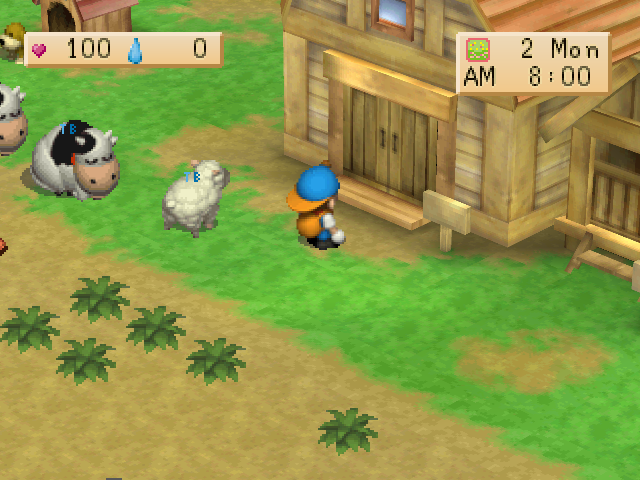
Walk through crops
Walk through crop tiles on the field and in the greenhouse, including mature crops.
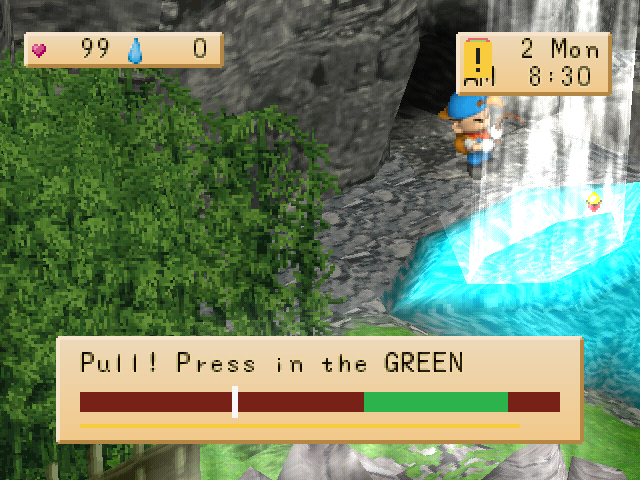
Fishing timing bar
In Bar mode, a bite alert and sound precede a timing bar. Press Square or Cross while the marker is in the green zone to pull the fish.
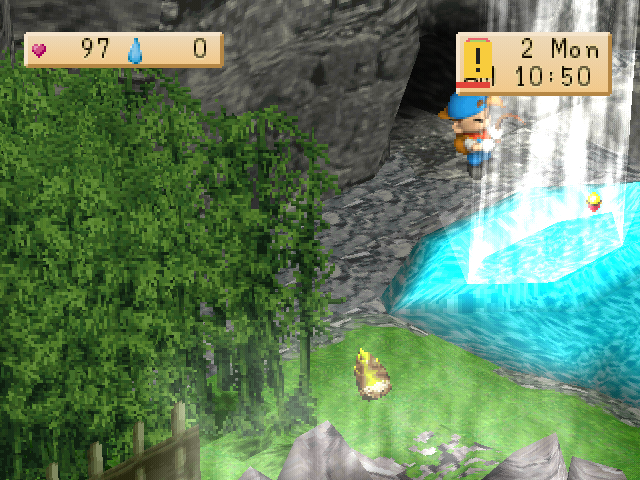
Easy fishing mode
Easy mode retains classic fishing with a ! alert, sound, reaction timer, and a pull window of at least 0.7 seconds. Classic mode is also available.
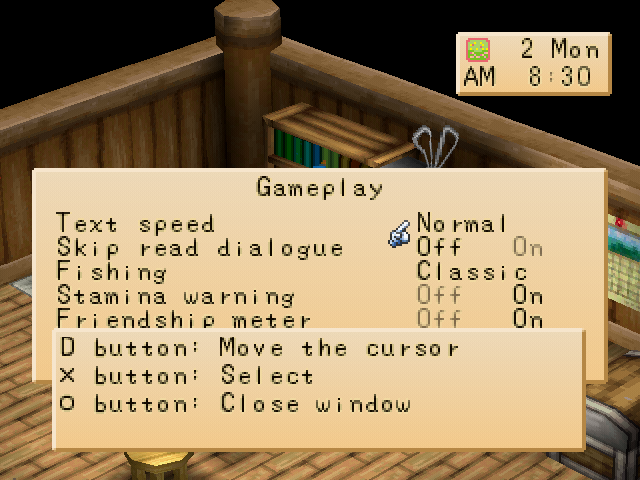
Text speed & skipping seen messages
Choose Normal, Fast, or Instant text in Gameplay. Skip seen accelerates eligible previously read dialogue without automatically selecting answers.
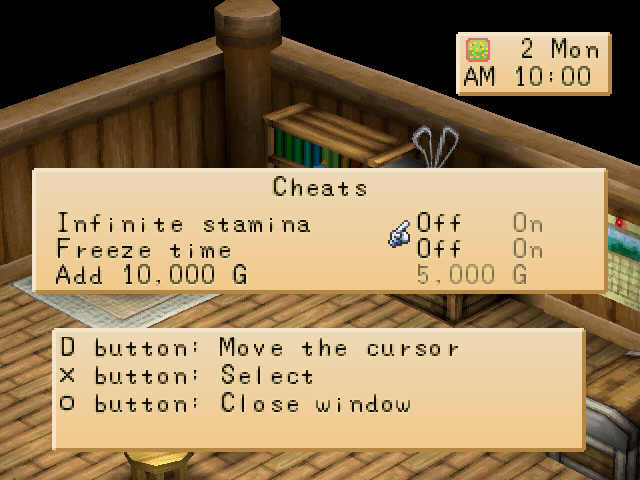
Cheats menu
Optional infinite stamina, freeze time, and add 10,000 G settings are available from the bookshelf Cheats page.
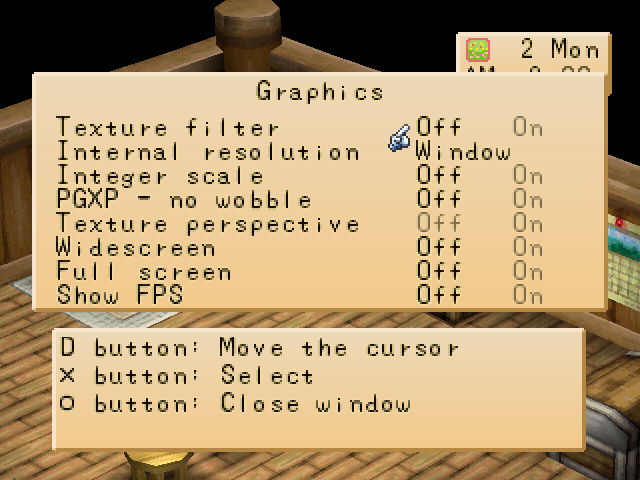
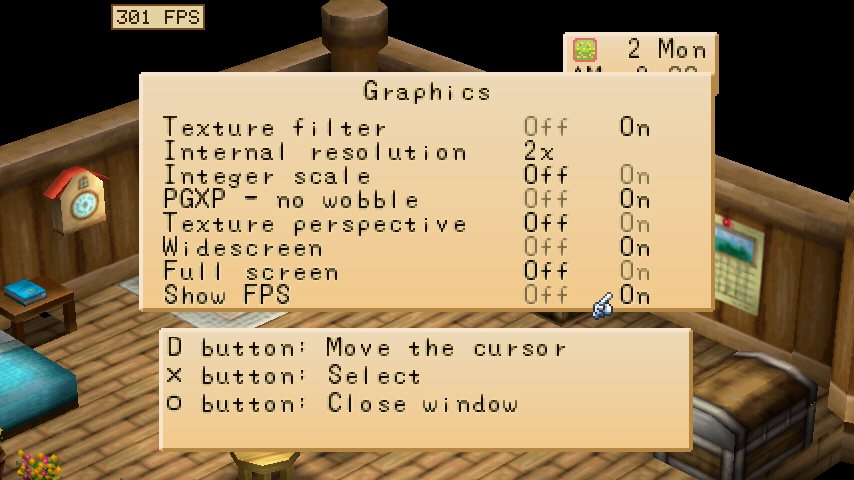
Graphics settings
Graphics offers Native through 8x internal resolution, texture filtering, integer scaling, PGXP, widescreen, fullscreen, and FPS display. Changes apply immediately.
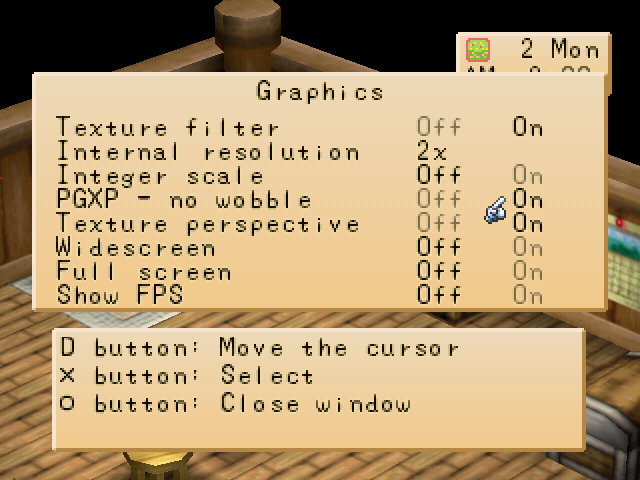
PGXP & texture correction
PGXP reduces polygon position wobble. Perspective texture correction can accompany PGXP to reduce texture warping; motion effects should be viewed during play.
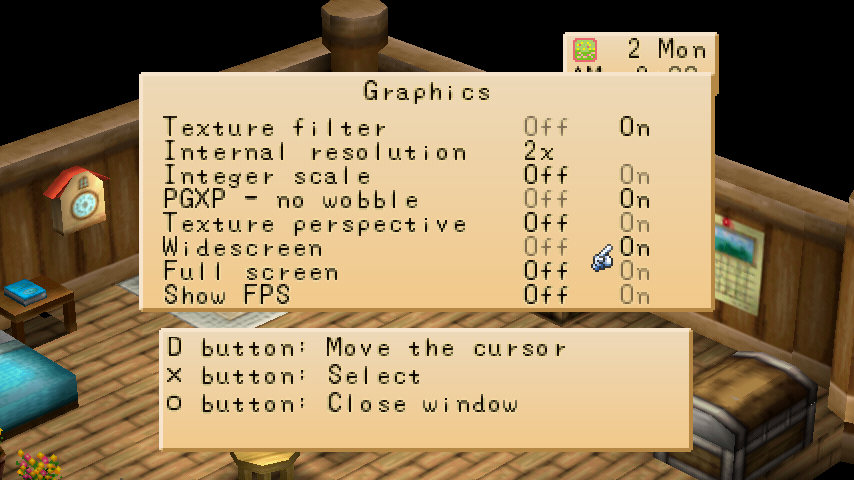
16:9 widescreen
Enable Widescreen for a wider 3D view. The 2D interface remains centered at its original proportions.
FPS display
Show FPS displays the game frame rate in the screen corner, helping monitor performance while adjusting graphics. This capture uses turbo; its FPS value is not a normal-play benchmark.
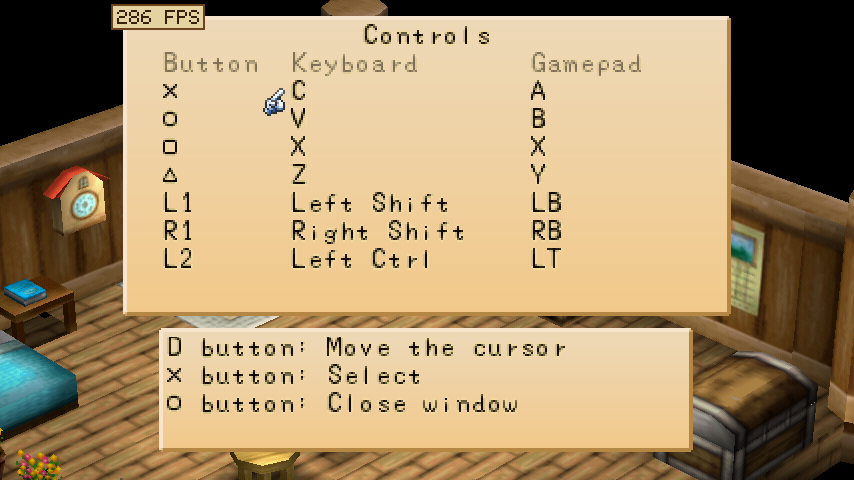
Remap keyboard & gamepad
Open Controls to remap keyboard and gamepad buttons, capture a new input, or restore defaults.
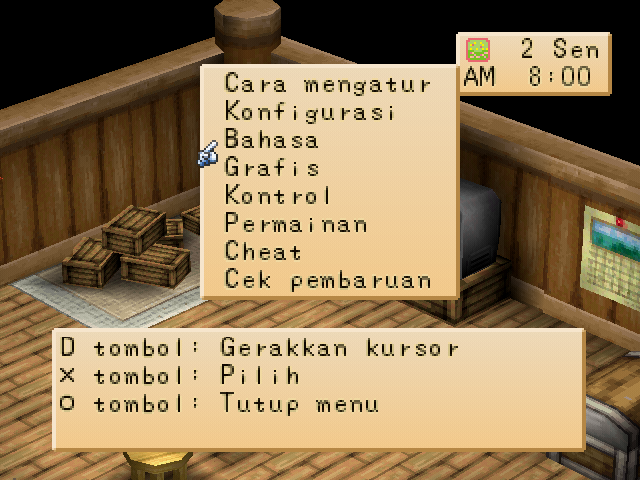
Indonesian & English options
Use the language option on the bookshelf next to the TV. This menu was captured after switching to Indonesian. The separate language scenario now completes after using Start to close the calendar. One Indonesian birthday-panel assertion still has not passed.
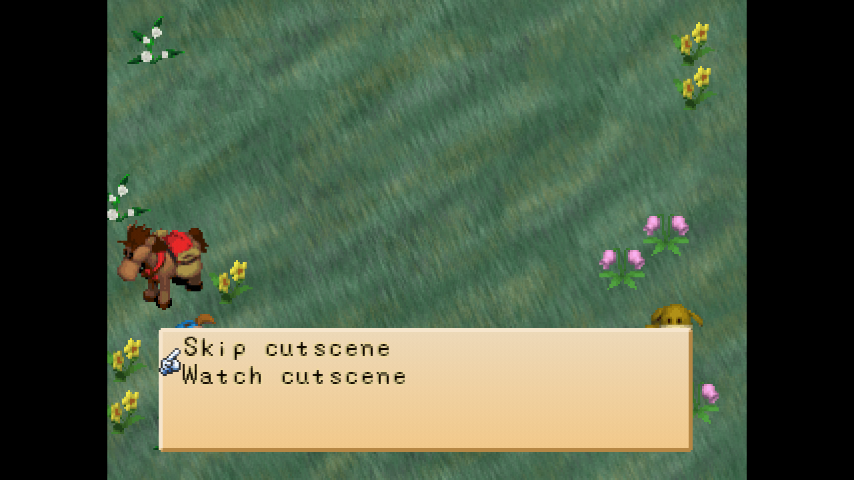
Skip the new-game opening
After entering names in a new game, choose whether to skip the opening and proceed to the farm.
Save states & slots
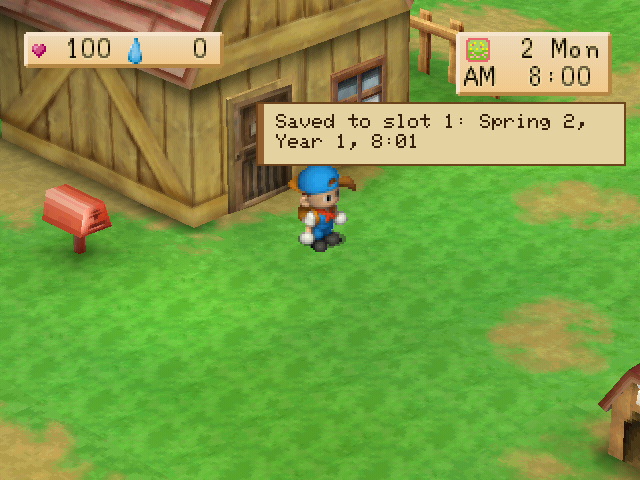
F1 saves the current game state, F2 selects one of four slots, and F3 loads it. States are version-specific; use diary saves for progress across versions. This capture shows state saving, not cross-version compatibility testing.
Before the final release
Automated Graphics and Controls checks passed, including switching to Indonesian. Calendar, text-option, and field-information checks on Windows build 1.0.0 now pass after using Start to close the calendar. The language-switch scenario completes, but one birthday-panel assertion after switching to Indonesian still fails. Local update tests from 0.4.0 to 1.0.0 also pass; production servers and native macOS have not been tested in this session.
Still images do not prove audio, animation, performance, or the entire update flow. Discord Rich Presence, memory card import, production-server updates, and final-package compatibility were not verified in this capture session. Cycling tool slots both ways has no dedicated capture yet. Final release notes and download links will follow validation of the v1.0.0 build.